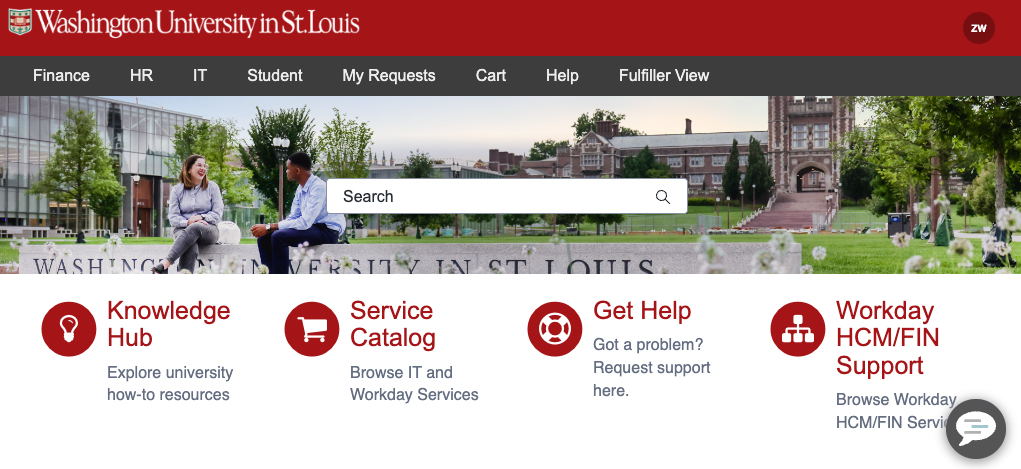
Order standard computers from the WashU IT Depot. You can add accessories and peripherals in the same place.
Faculty and Staff
For items not listed, including tablets, complete the Custom Client Hardware and Software form or Custom Hardware Accessories form.
Still not finding what you’re looking for? See the full ServiceNow catalog: Order a new computer, laptop or accessories.
To request hardware moved, please submit the Get Help Form in ServiceNow.
Information about and a guide on how to use ServiceNow can be found on the ServiceNow How To page.
Students
The Student Technology Services website provides the minimum and recommended specifications that laptops should meet, to provide a central location for specific requirements that the individual WashU schools may have, as well as to provide links to purchase specific models that meet those requirements.
Loaner Laptops
WashU IT teams have a limited number of loaner laptops that are available for departments to request for the following uses:
- Temporary laptop while their assigned device is being fixed
- Short-term loan request for travel or event
- Other usage approved by the WashU IT team
Note: loaner laptops available from the WashU IT team are for WashU Staff usage only. Requests for student, classroom, or other personnel use will not be fulfilled.
To request a loaner laptop, submit the Loaner Laptop catalog item in ServiceNow or call 314-933-3333. Please note that every request for a loaner is subject to review and approval by the WashU IT deskside team based upon the requested usage.
Due to COVID-19, the WashU IT teams temporarily allowed loaners to be requested for work from home purposes. This option is no longer available as that pool of loaners has been exhausted. We recommend that departments purchase new equipment through the ServiceNow catalog to meet their work from home needs.
If you pick up a loaner while on campus, you need to log on to it before you leave campus. Otherwise, you will need to contact support to log in your first time at 314-933-3333.
Depot News
Zoom vs. Microsoft Teams: When to use each
Written by Boyd Pickup, Director Audio Visual, Media Services and Event Production Every few months, someone asks the same question: “Can’t we just standardize on one video platform and simplify things?” It’s a good question. Running two conferencing platforms means two support queues, different features, and two lines on a budget. But at a university […]
WashU IT Operating Model update: Where key priorities stand
As WashU IT continues advancing the operating model, several key priorities are starting to show up in the way teams plan work, share information and support the university. These changes are meant to make daily work easier to understand and more consistent, whether employees are creating knowledge articles, managing incoming requests, tracking project work or […]
WashU compliance roundup: Code of Conduct training, flu vaccination policy and HIPAA refresher
Washington University in St. Louis has several compliance requirements underway this fall. Employees should complete the annual Code of Conduct training, adhere to the requirements of an updated influenza vaccination policy and finish a HIPAA refresher training course. IT staff and distributed IT partners across campus are asked to review the deadlines and requirements below. […]
IT Service Management and the Operating Model are focus of September ITSM Roundtable
The topic of the next Information Technology Service Management (ITSM) Roundtable is the interrelatedness of the IT Operating Model projects at WashU. The September roundtable session will be held on Friday, September 25, at 2:00 p.m. CDT. New Teams invitations have already been distributed and should be on calendars. During this session, attendees will explore […]
Employee Engagement update: Survey feedback shapes plans for connection and giving this fall and winter
Thanks to employee feedback, WashU IT teams will ramp up participation in university- and team-led activities this fall and winter. Input from a connection and giving survey that was conducted during the summer highlights the preference for smaller gatherings as opposed to larger group events. This feedback is shaping the approach being taken by leadership […]
September IT All Hands recap: election preview, AI partnerships and employee milestones
WashU IT employees and distributed IT partners gathered last week for the September IT All Hands meeting, where leaders shared organizational updates, celebrated employee milestones and heard presentations on the upcoming election season and AI advances. WashU IT Chief of Staff Jen Stedelin welcomed attendees and led the hourlong meeting. Legislative and election preview Julie […]
AI literacy program takes its next step with new Workday Learning resources
As generative AI becomes more integrated into day-to-day work across WashU, staff need more than access to new tools. They also need the knowledge and judgment to use them effectively, responsibly and securely. WashU IT’s AI literacy for staff roadmap is designed to build those capabilities over time, moving from foundational understanding to more practical […]
Claude Secure launches at WashU, expanding secure AI options for faculty and staff
WashU faculty and staff have a new option for using generative AI with sensitive university data. Claude Secure launched Monday, Sept. 14, expanding WashU’s Claude for Education offering to support work involving Protected Health Information (PHI). Claude Secure is approved for use with WashU PHI and provides faculty and staff whose clinical, research, or administrative […]
Outlook Scheduling Poll simplifies meeting planning
Finding a meeting time that works for multiple people can be one of the most challenging parts of scheduling. Outlook’s Scheduling Poll helps streamline the process by allowing invitees to vote on proposed meeting times, making it easier to identify the option that works best for the group. Scheduling Poll is a default feature in […]
AI tools guidance consolidated on the WashU AI portal
As part of the broader WashU AI portal revamp initiative led by the Digital Intelligence & Innovation (DI2) Accelerator and the Office of the Provost, the webpage with information about tools has been redesigned and expanded to better serve the university community as the central destination for guidance on AI tools and infrastructure available at […]