Setup Instructions
Washington University users have access to Outlook on their Mac device. Follow these steps to get set up.
- Open the Outlook app.

- From the Tools menu in Outlook, select Accounts.
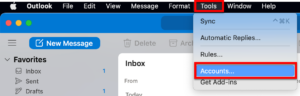
- Click the + button near the bottom-left of the Accounts window and select New Account.
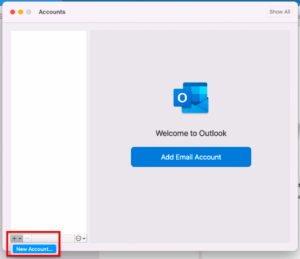
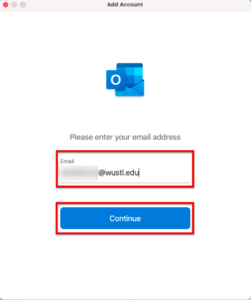
- When the Add New E-mail Account dialog box opens, enter your full WUSTL email, and select Continue.
- If your WashU Key username matches the first part of your @wustl.edu email address, enter: yourwashukey@wustl.edu
- If your WashU Key username differs from the first part of your @wustl.edu email address, enter: yourwustlkey@email.wustl.edu
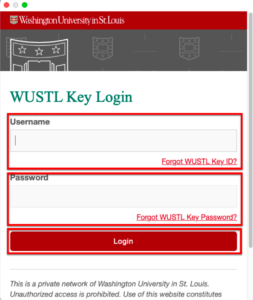
- You should be redirected to the WUSTL Connect page. Enter your WashU Key and Password, and select the Login button.
- Use DUO to complete Two-Factor Authentication (2FA). (DUO Help)
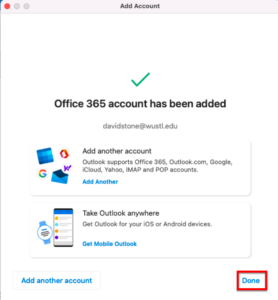
- Select Done.