New Look. Same Trusted IT. Better Experience.
We’ve updated the site to make it easier for students, faculty, staff, and researchers to find the technology services, tools, and support they need. While the look and navigation have changed, WashU IT’s commitment to supporting and enabling the university community remains the same.
Please Note
As part of the redesign, you may notice that some pages have moved, been renamed, or are no longer available. To improve the user experience and keep information current:
- Similar content has been consolidated
- Outdated content has been removed
- In some cases, FAQs and How-To articles have been moved to Knowledge Base articles or team-managed websites where they can be updated more quickly
If you can’t find what you’re looking for, use the website search or contact us for assistance.
What’s New
Simpler Navigation
We’ve reorganized the website to make information easier to find, with clearer menus, streamlined content, and fewer clicks to reach the services you need.
Browse by Role
Whether you’re a student, faculty member, staff member, or researcher, you can navigate the site based on your role to quickly access the resources most relevant to you.
Improved Service Pages
Technology services, software, and platforms now have dedicated pages that explain what they are, who can use them, how to request access, and where to get support.
Expanded AI Resources
The new site highlights WashU IT’s growing work in artificial intelligence, including available tools, guidance, and policies to support the responsible use of AI at WashU.
What’s Staying the Same
Core Tools and Services
Key technology resources, enterprise platforms, and support services continue to be available and supported for the university community.
Trusted IT Support
The same dedicated IT team continues to deliver and support the services you rely on today.
Commitment to Service
WashU IT remains focused on delivering reliable technology support and solutions for the university community.
Ways to Navigate the Website
There are several ways to find what you need on the WashU IT website.
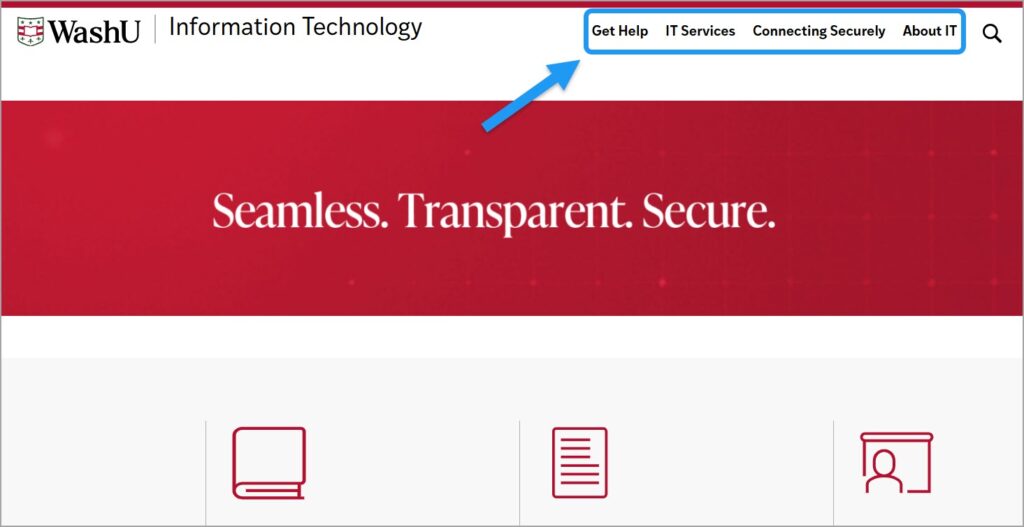
- Navigate using the top menu. Browse major sections of the website, including IT services and tools, choosing the right connection method for your needs, and learning about WashU IT.
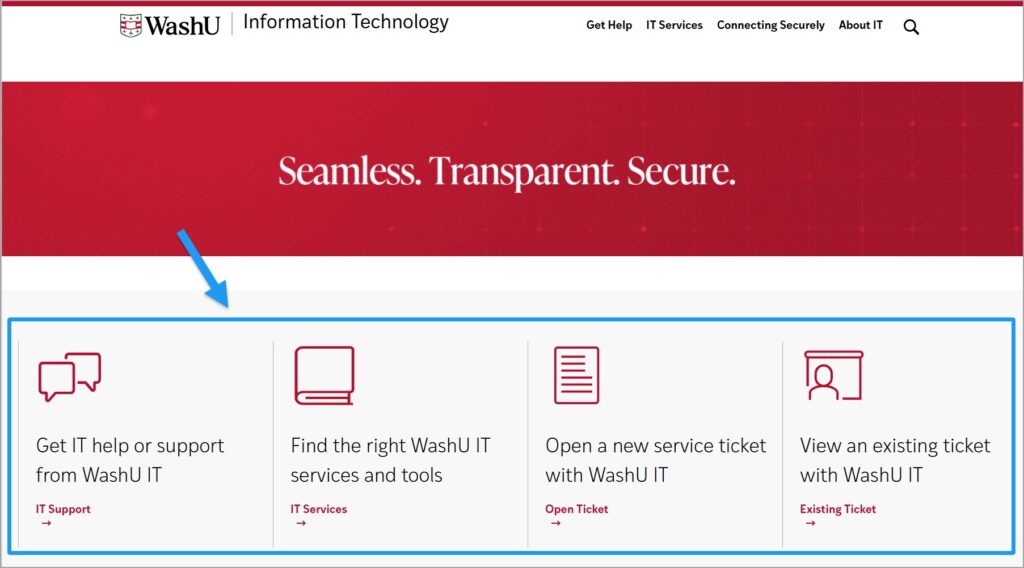
2. Use the homepage for quick access to the most common reasons people visit WashU IT. From the homepage, you can now quickly:
- Get IT support
- Find IT services and tools
- Open a new service ticket
- View an existing service ticket
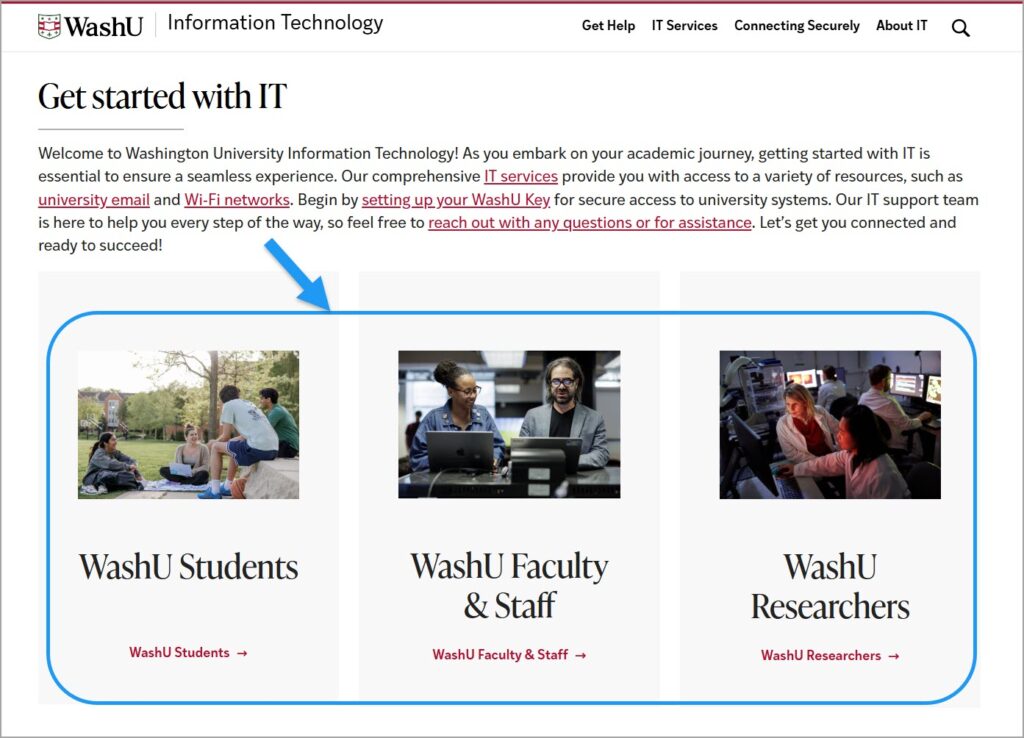
3. Browse by role. Visit the Get Started with IT section on the homepage to access information tailored for:
- Students
- Faculty & Staff
- Researchers
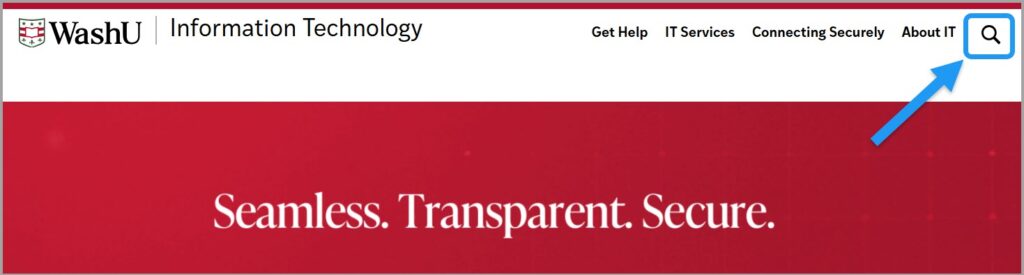
4. Search for specific information. Use the search icon in the upper-right corner of the homepage if you know the name of a service, application, or topic you’re looking for.
Helpful Tips
Update Saved Bookmarks
Some pages have moved or been renamed as part of the redesign. If a saved bookmark no longer works, use Search or the navigation menus to find the page and save the new URL.
Look for redirects
Many links from the previous website will automatically redirect you to their new location. If you don’t land where you expected or can’t find what you’re looking for, use the Search feature in the upper-right corner of the homepage and try searching with keywords.
Need Help Finding Something?
If you can’t find what you’re looking for, please contact the WashU IT Organizational Change Management (OCM) team and we will help point you in the right direction.
Found a Website Issue?
If you notice a broken link, missing content, or incorrect information, please let us know. Include the page URL and a brief description of the issue so we can investigate and resolve it as quickly as possible.
Thank you for exploring the new WashU IT website.
This redesign is just the beginning. We’ll continue improving the site over time to make it easier to find the information, services, and support you need. We welcome your feedback as we continue to enhance the experience.